CPQ vs MES vs ERP: What’s the Difference Between Software?
Published: 08/12/2026
By: Paradigm
Manufacturers hear the acronyms CPQ, MES, and ERP all the time. Software vendors often position their platform as the solution that can do everything, making it difficult to understand where one system ends and another begins.
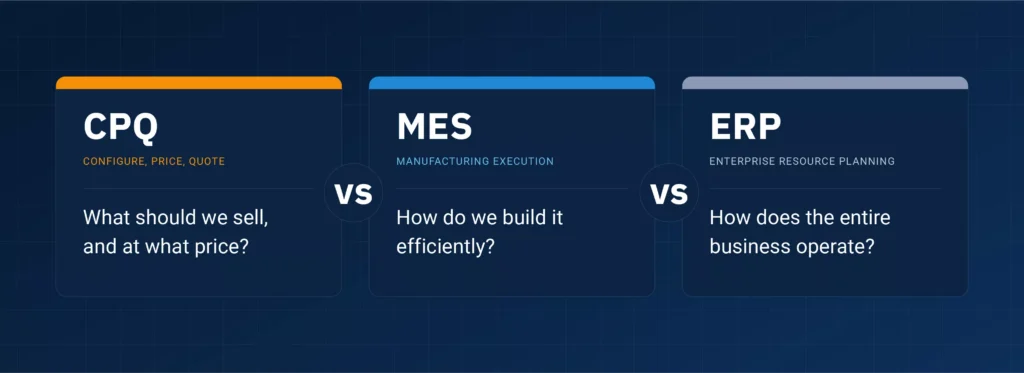
The confusion is understandable. All three systems play an important role in the quote-to-production process, and they often share information. But they’re designed to answer very different business questions:
- CPQ: What should we sell, in what configuration, and at what price?
- MES: How do we manufacture it efficiently?
- ERP: How does the entire business operate?
Understanding these differences can help manufacturers identify the right technology investments, improve collaboration between departments, and eliminate costly manual processes.
What Is CPQ Software?
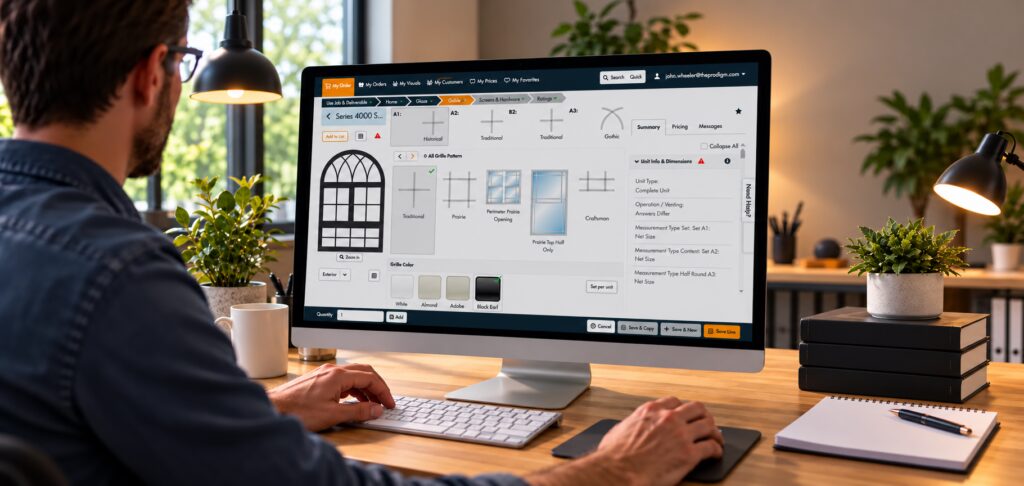
CPQ software (Configure, Price, Quote) helps sales teams configure complex products, apply pricing rules, and generate accurate quotes.
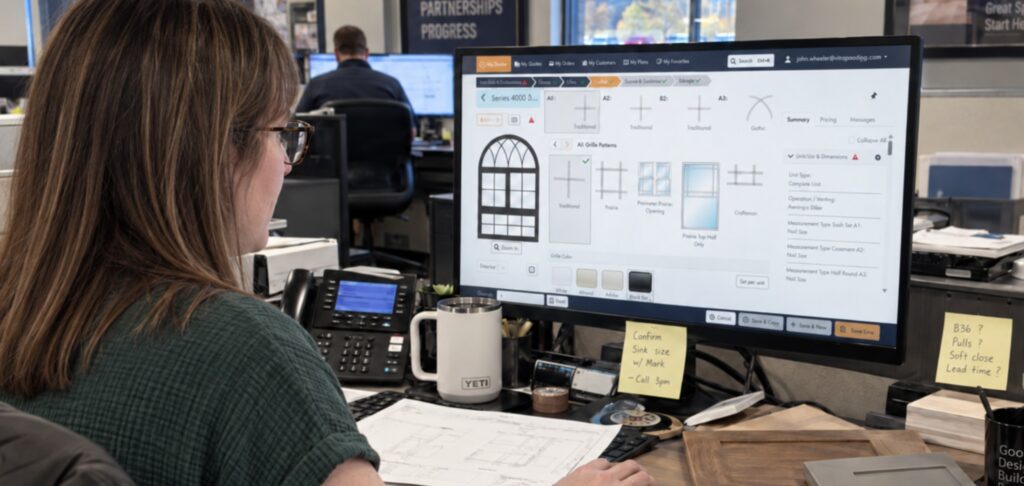
Rather than relying on spreadsheets, product catalogs, or manual calculations, CPQ software guides sales reps through the configuration process, ensuring only valid product combinations are selected while automatically calculating pricing.
Common CPQ capabilities
-
Guided Product Configuration
Walks reps through each option step by step and only allows valid combinations, so every order is buildable.
-
Dynamic Pricing
Applies your pricing rules, discounts, and dealer terms automatically — consistently, every quote.
-
Quote & Proposal Generation
Turns a configuration into a branded, professional proposal in minutes instead of hours.
-
E-signatures
Customers approve and sign digitally, removing the printing, scanning, and mailing delay.
-
Guided Selling Workflows
Points every rep and dealer down the same proven path, from first question to signed order.
Because it sits at the very beginning of the customer journey, CPQ software is primarily used by sales representatives, dealers, distributors, and anyone responsible for selling configurable products such as windows, doors, cabinets, or millwork.
The problems CPQ software solves
Without CPQ software, manufacturers struggle with
Slow Quote Turnaround
Inconsistent Dealer Pricing
Invalid Product Configurations
Manual Quoting Errors
Engineering Rework Before Production
By validating every order before it’s submitted, CPQ software improves both the customer experience and downstream manufacturing efficiency.
What Is MES Software?
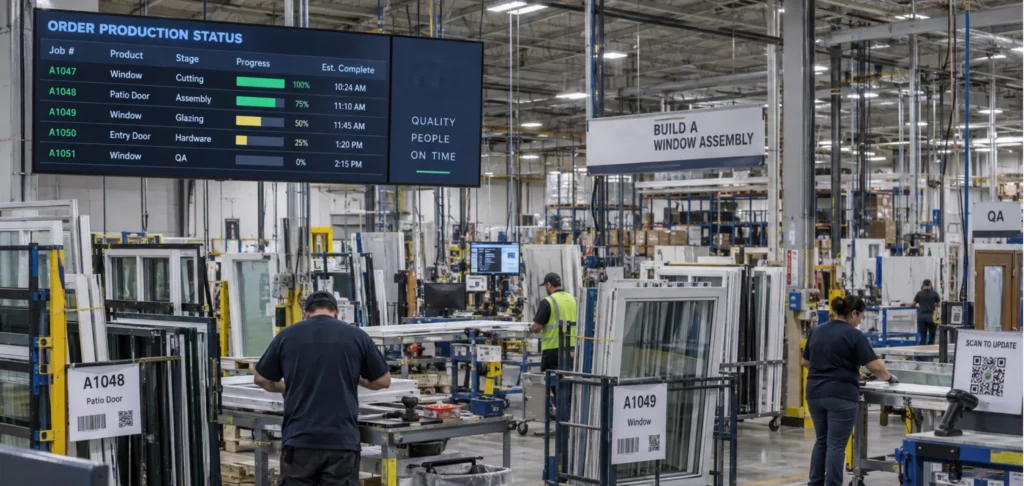
A Manufacturing Execution System (MES) manages what happens after an order reaches the production floor.
While CPQ focuses on selling the right product, MES focuses on building it correctly and efficiently.
What MES software manages
-
Work Orders
Turns each incoming order into shop-floor instructions and tracks it from release to completion.
-
Production Scheduling
Sequences jobs across lines and shifts so capacity is used well and due dates stay realistic.
-
Machine & Operator Tracking
Shows live output, run time, and downtime by station, so slowdowns surface as they happen.
-
Quality Control
Builds inspection checkpoints into the process so defects are caught before the product ships.
-
Scrap Reporting
Records what was wasted and why, turning material loss into a number you can act on.
-
Traceability
Links every finished unit back to its materials, machines, and operators for warranty or recall questions.
Plant managers, production supervisors, and shop-floor personnel use MES to monitor production performance and identify bottlenecks before they become larger issues.
The problems MES software solves
MES software helps manufacturers eliminate
Limited Production Visibility
Paper-Based Shop Floor Processes
Quality Control Challenges
Scheduling Bottlenecks
Inconsistent Production Reporting
Simply put, MES manages how products get made. It isn’t designed to create quotes or manage company finances.
What Is ERP Software?
Enterprise Resource Planning (ERP) software serves as the operational backbone of the business.
Unlike CPQ or MES, ERP isn’t focused on a single department. Instead, it connects finance, purchasing, inventory, customer orders, and other core business functions into a centralized system.
Typical ERP capabilities
-
Accounting & General Ledger
Records every transaction in one book of record, keeping the financial picture current and auditable.
-
Inventory Management
Tracks material and finished goods on hand, so purchasing and production work from real stock levels.
-
Purchasing & Procurement
Manages vendors, purchase orders, and receiving so materials arrive when production needs them.
-
Order Management
Carries an order from acceptance through fulfillment and invoicing, with one status everyone can see.
-
Financial Reporting
Rolls department data into margin, cash, and performance reporting leadership can actually trust.
-
Customer Records
Keeps contacts, order history, and account details in one place instead of scattered across departments.
Because ERP touches nearly every department, it’s used by finance, purchasing, operations leadership, customer service, and executive teams.
ERP software solves a range of problems
ERP software helps organizations overcome
Siloed Business Data
Manual Reconciliation
Duplicate Information
Disconnected Departments
No Single Source of Truth
Although ERP manages a broad range of business processes, it isn’t built for complex product configuration or real-time production management. Those responsibilities belong to CPQ and MES.
Comparing CPQ, MES, and ERP at a Glance
| System | CPQ | MES | ERP |
|---|---|---|---|
| Primary purpose | Configure products and generate accurate quotes | Manage and monitor production | Manage company-wide business operations |
| Core question | What should we sell and at what price? | How do we build it efficiently? | How does the business operate? |
| Primary users | Sales teams, dealers, distributors | Production managers and operators | Finance, purchasing, operations leadership |
| Workflow stage | Point of sale | Production execution | Entire organization |
| Business value | Faster, more accurate quoting | Greater production visibility | Connected business operations |
| Not designed for | Running manufacturing or accounting | Selling products or pricing | Product configuration or shop-floor execution |
These systems complement one another rather than compete. The comparison table in the outline reinforces that each platform owns a distinct portion of the quote-to-production workflow.
Do You Need All Three? How CPQ, ERP and MES All Work Together
For many manufacturers, the greatest value comes from connecting these systems rather than treating them as standalone applications.
A connected workflow typically looks like this:
- CPQ captures a validated customer order with accurate pricing and product configuration.
- ERP receives the order, manages inventory, purchasing, invoicing, and financial processes.
- MES schedules and executes production while tracking quality and progress on the shop floor.
- Production updates flow back through the ERP, creating visibility for sales, operations, and customer service.
When information moves automatically between systems, manufacturers eliminate manual data entry, reduce errors, and shorten lead times.
Which system should you invest in first?
The answer depends on where your biggest operational bottleneck exists.
For example:
- If your sales team struggles with slow quotes, inconsistent pricing, or complex configurations, CPQ software is likely the missing piece.
- If production still relies on spreadsheets or paper travelers, an MES may provide the greatest return.
- If departments operate in disconnected systems with inconsistent data, an ERP can create a unified foundation for the business.
Rather than choosing the platform with the longest feature list, prioritize solutions that integrate well with the systems you already use and solve your most pressing business challenge.
Bringing It All Together
CPQ, MES, and ERP each serve a different purpose.
- CPQ helps sales teams configure products and generate accurate quotes.
- MES helps manufacturers execute production efficiently.
- ERP connects the financial and operational functions of the business.
They’re not competing technologies, they’re complementary layers of a connected quote-to-production workflow. When integrated, they help manufacturers improve accuracy, increase efficiency, and create a better experience for both employees and customers.
If you’re looking to modernize your quoting process, Paradigm Omni helps manufacturers configure complex products, generate accurate quotes faster, and create a seamless connection between sales and production. Schedule a demo to see how it fits into your technology ecosystem.
Latest Blog Posts
Why “Omni”? Inside Paradigm’s Platform for Window and Door Manufacturers
Paradigm Omni does more than quoting. See how one connected platform supports
How to Know When Your Plant Needs MES Automation
Missed schedules, manual data entry, rework you can't trace? Learn the signs
Friction vs. Features: Why Removing Steps Beats Adding Features in CPQ Software
Feature lists don't win quotes, but speed does. Cutting steps from your