How to Know When Your Plant Needs MES Automation
Published: 10/13/2026
By: Paradigm
Key Takeaways
- Production problems build slowly. Manual tools that once worked can start slowing the plant down as volume and customization grow.
- Common signs include spreadsheet scheduling, unclear order status, rework you can’t trace, repeated data entry, and lead times you can’t confidently hit.
- MES software sits between your ERP and shop floor equipment, tracking work from order release through finished production.
- Look for MES built for made-to-order products that connects order entry/CPQ to machine centers.
Production problems rarely appear overnight. They usually build slowly, one workaround at a time.
At first, spreadsheets, whiteboards, and a few experienced employees may be enough to keep orders moving. But as volume grows and products become more customized, those manual tools can start slowing the plant down. That works until the person who knows where everything is takes a day off and the rest of the team has to play production detective.
That is when MES automation is worth a closer look. A Manufacturing Execution System connects production information with what is actually happening on the shop floor, so teams can see order status, completed work, upcoming steps, and issues before they create bigger problems. Here are eight signs your plant may be ready for MES automation, plus what to look for when choosing MES software.
What MES Automation Actually Does (In Plain Terms)
MES software helps manage the work that happens after an order is released and before the finished product leaves production.
Think of it as the layer between your ERP system and your shop floor equipment. Your ERP handles orders, inventory, and business data. Machine controls run individual equipment. MES helps coordinate the production work in between.
- Scheduling
- Digital work instructions
- Order tracking
- Machine activity
- Labor activity
- Quality checks
- Equipment integrations
It can support scheduling, digital work instructions, order tracking, machine activity, labor activity, quality checks, and equipment integrations. For window and door manufacturers, this matters because one order may include many different sizes, glass packages, frame colors, grille patterns, hardware options, and production steps.
8 Signs Your Plant Needs MES Automation
1. Scheduling Lives in Spreadsheets
Spreadsheets are useful, but they were not designed to be the control tower for a growing plant.
If updating the schedule takes almost as much effort as production itself, your process may be ready for MES.
When a machine goes down, material is delayed, or a rush order appears, MES software gives teams a more connected view of priorities, capacity, and shop floor activity.
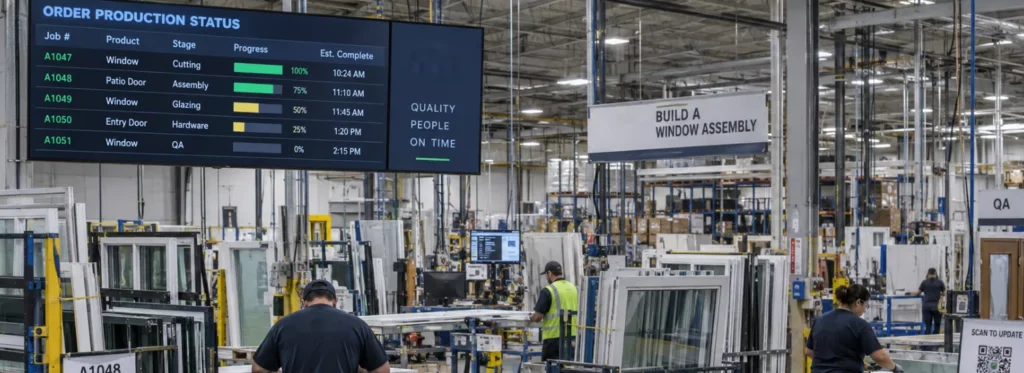
2. You Can’t Answer “Where Is This Order Right Now?”
If customer service has to call production, walk the floor, or interrupt a supervisor to answer a simple order-status question, the plant has a visibility problem.
MES automation tracks work as it moves through production, giving teams a clearer picture of order status without relying on memory, hallway updates, or whoever last walked past station three.
Image Placeholder: Order Status Dashboard
Screenshot of an MES order status view. 1200 × 675 px (16:9).
3. Rework and Scrap Happen, but You Can’t Trace Why
Every manufacturer deals with some rework. The bigger issue is repeated rework that no one can trace to a clear cause.
MES software creates a production record that can help identify where problems occur, which units were affected, and whether the same issue is happening again.
4. You’re Manually Entering the Same Information Between Systems
Manual re-entry feels small until it happens hundreds of times a week.
If employees type the same dimensions, options, quantities, or instructions into multiple systems, every handoff creates another chance for delays or errors.
MES automation helps production work from the same specifications captured earlier in the process, reducing duplicate entry and fewer surprises caused by someone typing a seven where a one was supposed to go.
5. On-Time Delivery Slips as Order Volume Grows
Growth is good news, but if every increase in volume brings more overtime, expediting, and missed ship dates, the process may not be scaling with the business.
MES software helps managers see how work is moving across the plant so they can spot constraints earlier and make better decisions before small delays become bigger problems.
6. Quality Checks Vary in Completeness
Quality processes only work when they are followed the same way every time.
Paper checklists and informal inspections make it harder to confirm every required step happened or review past issues when warranty questions or recurring defects come up.
MES automation can build quality checks into production workflows, helping standardize inspections, records, and review.
7. Your Machines Are Disconnected From Order Data
Many plants have advanced equipment, but order data may still reach machines through printouts, file transfers, manual selections, or careful typing.
That disconnect adds labor and increases the risk that equipment receives the wrong information.
Connecting MES software with machine centers can create a more direct flow of information from the order to the equipment producing it.
Image Placeholder: Machine Center
Photo of a window or door machine center on the plant floor. 1200 × 800 px (3:2).
8. You’re Quoting Lead Times You Can’t Confidently Hit
When sales and customer service lack reliable production information, promised dates are often based on typical timelines instead of actual capacity, workload, and real production status.
Better production visibility gives the organization a stronger foundation for quoting lead times, setting expectations, and communicating realistic delivery dates.
The Cost of Waiting: What Manual Processes Are Really Costing You
Disconnected production processes rarely show up as one obvious line item. They appear as overtime, expedite fees, remakes, warranty claims, missed ship dates, and time spent searching for information.
- Overtime
- Expedite fees
- Remakes
- Warranty claims
- Missed ship dates
- Time spent searching for information
There is also the capacity you are not using. When employees manage information instead of production, or when bottlenecks stay hidden until schedules slip, manufacturers may add labor or equipment before getting full value from existing resources.
What to Look for in MES Software for Window & Door Manufacturing
Not every MES platform is built for fenestration manufacturing. Before you choose one, look for software that can support the way window and door products are actually configured, produced, tracked, and delivered.
- Made-to-order tracking, not batch-only logic: The system should support custom window and door units with unique specifications, routes, and production requirements.
- Integration with order entry/CPQ and machine centers: Order details should flow from configuration and quoting into production, then connect with the equipment that needs that information.
- Barcode/scan-based floor tracking, real-time dashboards: Teams should be able to track work as it moves through the plant and see current status without chasing updates.
- Configurable without a full IT department: The software should be practical for operations teams to adjust as processes, products, and production needs change.
- Barcode/scan tracking
- Real-time dashboards
See What MES Automation Looks Like in a Fenestration Plant
You do not need MES automation just because your facility reaches a certain size or buys a certain number of machines. The better question is where your team feels friction today.
If employees spend significant time maintaining schedules, searching for orders, re-entering information, troubleshooting avoidable errors, or explaining why promised dates slipped, your process may have outgrown manual tools.
The right MES software replaces uncertainty with visibility, traceability, and control from order release through finished production.
Paradigm helps window and door manufacturers connect production processes with the information required to manufacture highly configured products efficiently.
If these eight signs sound familiar, request a demo to see what MES automation can look like in your operation.
Latest Blog Posts
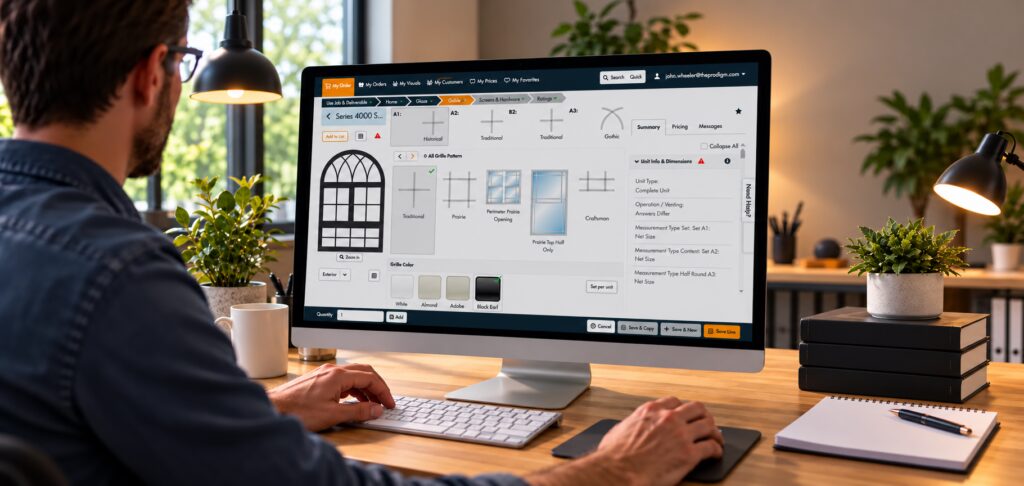
Why “Omni”? Inside Paradigm’s Platform for Window and Door Manufacturers
Paradigm Omni does more than quoting. See how one connected platform supports
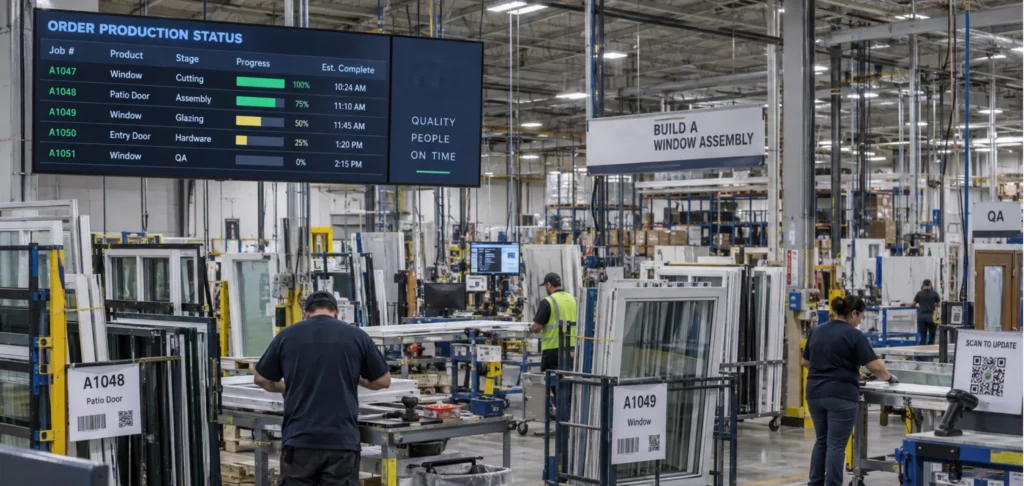
How to Know When Your Plant Needs MES Automation
Missed schedules, manual data entry, rework you can't trace? Learn the signs
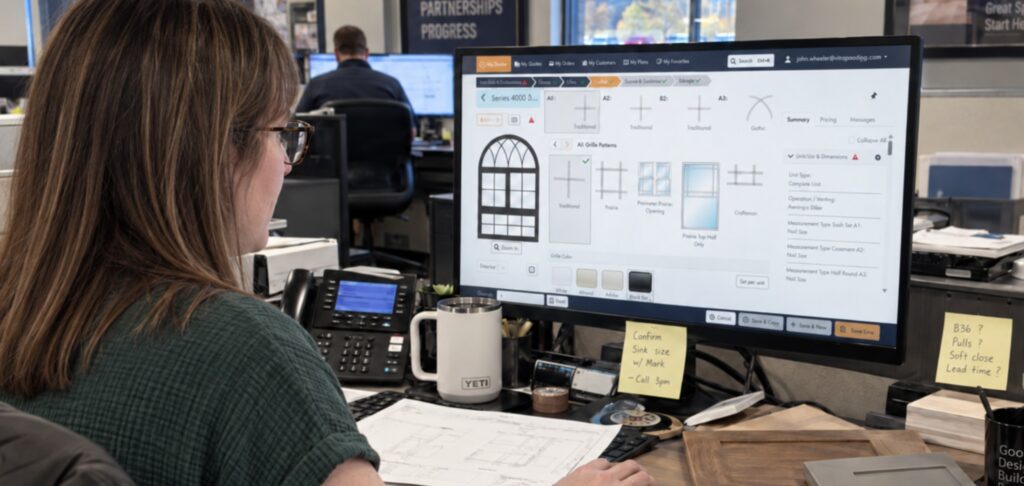
Friction vs. Features: Why Removing Steps Beats Adding Features in CPQ Software
Feature lists don't win quotes, but speed does. Cutting steps from your